
Overseer
Overseer is a desktop monitoring and automation tool that lets you define event configurations to watch for conditions and react automatically. Some use cases includes but not limited to : monitoring a website for content updates, running periodic health checks, triggering custom scripts when something changes, etc...
Here's how it works:
- Create an Event Configuration to define what you want to monitor.
- Add one or more Monitoring Tasks with a scheduler, trigger, and state storage.
- Configure Actions to determine what happens when an event is detected.
- Choose an Event Data Template to parse the trigger output.
- Let Overseer run in the background. It handles the rest.
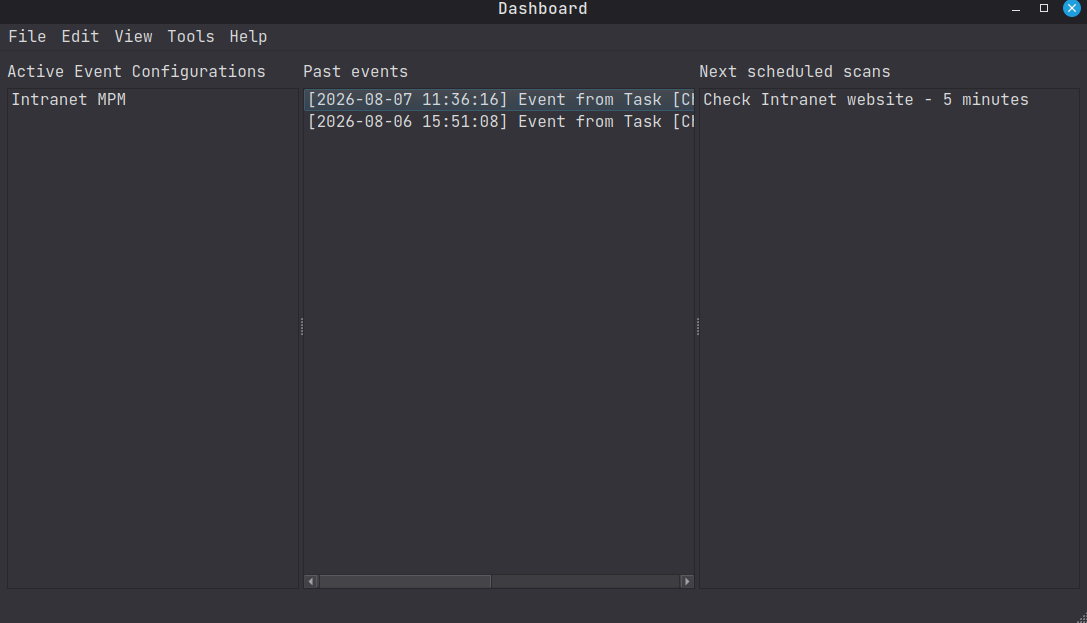
How It Works
Overseer runs one or more monitoring tasks. Each task pairs a scheduler with a trigger. When any trigger finds a new event, that event is emitted to all enabled actions that will execute in response.
flowchart LR
    subgraph MT1["Monitoring Task 1"]
        S1[Scheduler 1] --> T1[Trigger 1]
    end
    subgraph MT2["Monitoring Task 2"]
        S2[Scheduler 2] --> T2[Trigger 2]
    end
    subgraph MT3["Monitoring Task 3"]
        S3[Scheduler 3] --> T3[Trigger 3]
    end
    T1 --> ANY{Any new event?}
    T2 --> ANY
    T3 --> ANY
    ANY -->|Yes| EF[Event Fired]
    EF --> A1[Action 1]
    EF --> A2[Action 2]
    EF --> A3[Action 3]